Reduce costs
Lower bandwidth and storage expenses without compromising quality.
Serve the same stream with different URLs and access rules for each viewer segment.
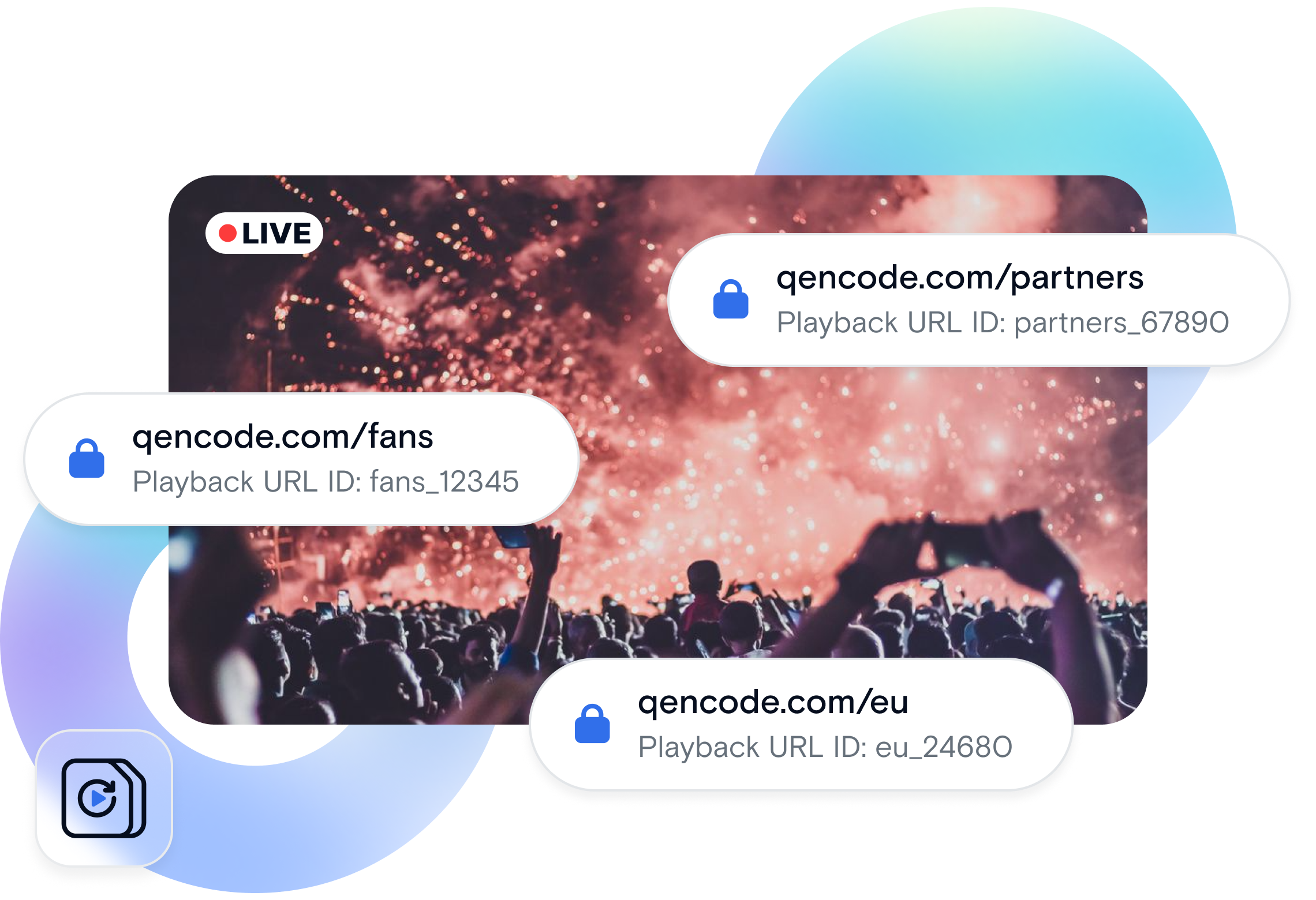
Multiple Playback IDs let you generate unique playback URLs for a single live stream, each with independent access controls and configurations. Serve premium subscribers a 1080p stream while free users get 480p, or deliver different DRM keys to different geographic regions—all from the same source. This is critical for platforms that monetize content differently across user tiers.
Start a broadcast with Qencode's ingestion API.
Create separate playback URLs, each with its own policy (bitrate limits, DRM settings, geo-restrictions).
Give premium users the high-quality playback ID, free users the standard one.
Each playback ID applies its own rules without affecting the others.
Lower bandwidth and storage expenses without compromising quality.
Automate complex processing that would take hours manually.
Handle thousands of videos with the same API call.
Simple REST API with comprehensive SDKs and documentation.
Netflix-style platform needs to deliver 4K to premium subscribers, 720p to standard users, and preview clips to guest browsers—all from the same livestream event.
Increase premium conversion by 25% by demonstrating superior quality, and reduce bandwidth costs 40% by granular quality control per segment.
A sports broadcaster streams to cable providers with full bitrate, OTT platforms with standard quality, and social media with mobile-optimized streams.
Satisfy network requirements for each distributor while reducing ingest costs through unified source management.
A company broadcasts internal all-hands meetings to office networks with high bitrate and remote VPN users with bandwidth-restricted streams.
Eliminate buffering complaints and maintain employee engagement across all connection types without network upgrades.
Watch a quick walkthrough showing how to configure and use Multiple Playback IDs through the Qencode dashboard and API.
| API Method | Add Playback ID: POST |
| Key Parameters | stream_id, policy. For deletion, also use playback_id. |
| Playback Policies | public or authenticated. Public playback is available to anyone with the Playback ID. Authenticated playback requires a signed token. |
| Default Playback ID | Each stream includes one Playback ID by default with policy set to public. |
| Authenticated Playback | Viewers must provide a signed token in the playback URL using ?auth=<token> or use a Qencode-Auth-Token signed cookie. |
| Playback URL | Each Playback ID returns a playback_url in the stream object. |
| Management Options | Playback IDs can be added, copied, or deleted through the API or the Qencode Portal. |
| Limits & Constraints | Authenticated Playback IDs are not available for streams using the stream.qencode.com system domain. |
Create multiple playback IDs for a single stream.
curl -X POST 'https://api-live.qencode.com/v1/live-streams/$STREAM_ID/playback-ids' \
-H 'Authorization: Bearer $ACCESS_TOKEN' \
--data-raw '{
  "policy": "public" # or "authenticated"
}'Included with Streaming
Multiple Playback IDs are available for all Qencode users. There is no separate fee for creating additional playback IDs; pricing follows standard live streaming usage.
We love creating powerful solutions that are aligned with the needs of your business.

Please send us a message if you have a question or Schedule a call for a demo to discuss your integration.
Contact us with any questions. We'd love to help.
Los Angeles, CA - (HQ)
San Francisco, CA
New York, NY