Reduce costs
Lower bandwidth and storage expenses without compromising quality.
Translate subtitles to any language automatically and reach global audiences.
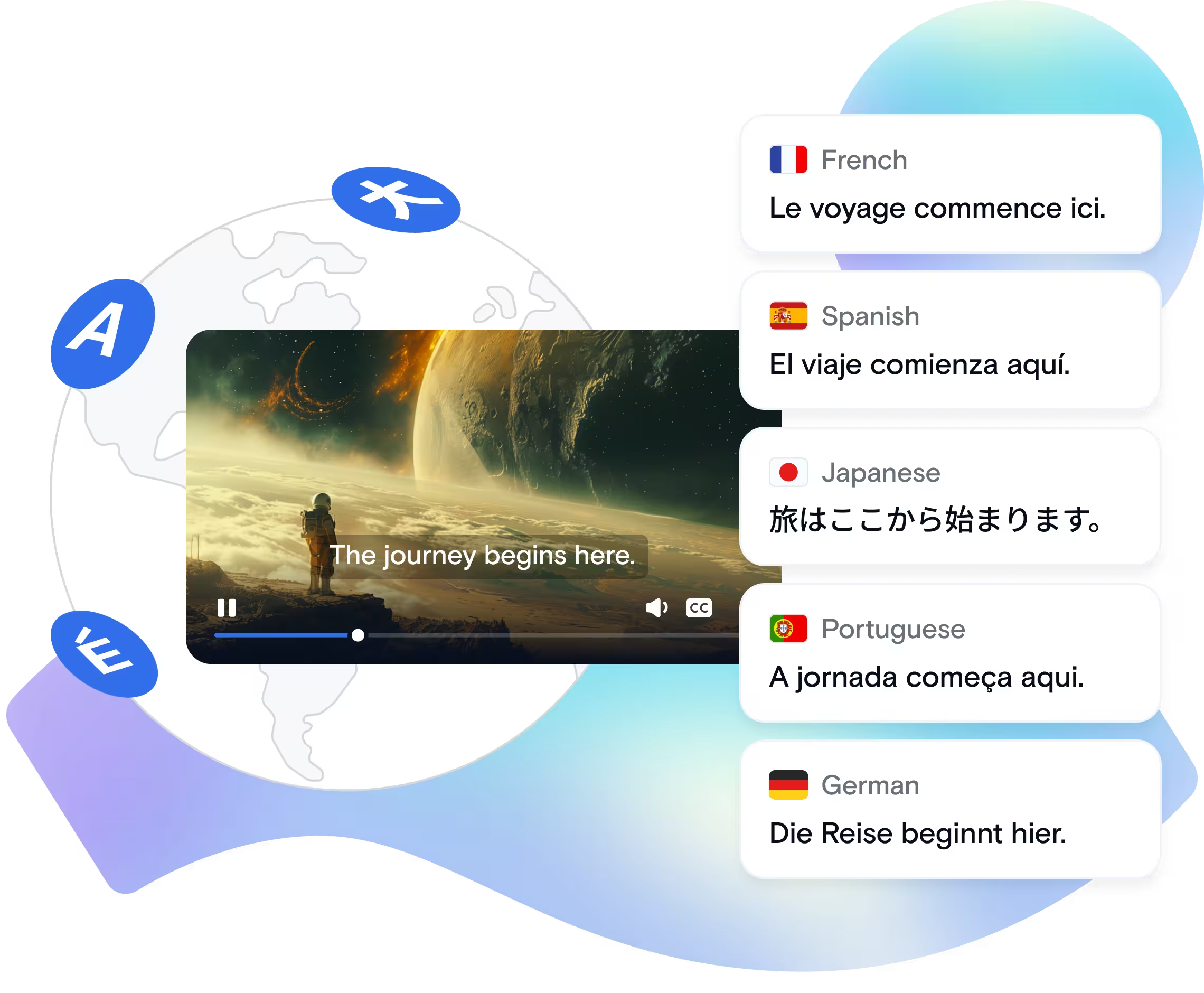
Translations automatically converts your video subtitles or transcripts into any target language using neural machine translation. After generating subtitles with Speech-to-Text, send them to the Translations API to create multilingual versions in a single request. This enables global content distribution without managing separate transcription and translation workflows for each language.
Provide generated or manually created subtitles in your source language.
Choose the languages you need; API handles multiple translations in parallel.
Neural machine translation models convert subtitle text while preserving timing and formatting.
Check translated subtitles for accuracy and cultural appropriateness.
Return translated subtitle files ready for delivery across regional platforms.
Lower bandwidth and storage expenses without compromising quality.
Automate complex processing that would take hours manually.
Handle thousands of videos with the same API call.
Simple REST API with comprehensive SDKs and documentation.
A global streaming platform launches a new series in English but needs subtitles in 15 languages for simultaneous regional release.
Automatically translate subtitles in one API call, reducing time-to-market from weeks of manual translation to just hours and cutting localization costs by 80%.
An online course creator records content in English but wants to reach students worldwide. Manual translation for each language is prohibitively expensive.
Auto-translate course subtitles to 50+ languages, instantly making content accessible to learners everywhere and reducing translation costs by 85% without hiring translators.
A multinational company records training and announcement videos in the company language. Different offices need subtitles in their local languages.
Generate subtitle translations automatically for each office in 24 hours, ensuring consistent messaging across 15+ regions without translation coordination overhead.
| API Method | POST /v1/start_encode2 with output: "speech_to_text" and translate_languages after creating a task with /v1/create_task. |
| Key Parameters | source, encoder_version: "2", output: "speech_to_text", translate_languages. Optional params: language, mode, transcript, transcript_name, json, json_name, srt, srt_name, vtt, vtt_name, start_time, duration, destination.url. |
| Supported Input Formats | Any supported audio or video input format. Translations are generated from Speech-to-Text subtitles or transcripts created from the source media. |
| Source Languages | 70+ source languages with auto-detection. Use optional language with ISO language codes, such as en, es, or uk, to force the source language. |
| Target Languages | Set translate_languages with target language codes, for example ["uk", "cs", "de"]. Up to 15 target languages are supported per job. |
| Translation Modes | accuracy for higher quality, balanced for a balance between speed and accuracy, and speed for faster, lower-cost processing. |
| Output Formats | TXT transcript, JSON with timestamps, SRT subtitles, and VTT subtitles for each target language. File names include language suffixes, such as subtitles-cs.srt, subtitles-cs.vtt, transcript-cs.txt, and timestamps-cs.json. |
| Limits & Constraints | translate_languages supports up to 15 target languages per job. Split larger language sets across multiple jobs. Use start_time and duration to translate only a segment. Set output params to 0 to disable specific files. |
Produces Translation output JSON
{
  "query": {
    "source": "https://your-storage.com/source.mov",
    "encoder_version": "2",
    "format": [
      {
        "output": "speech_to_text",
        "transcript": 1,
        "json": 1,
        "srt": 1,
        "vtt": 1,
        "mode": "accuracy",
        "language": "en",
        "translate_languages": [
          "es",
          "fr",
          "zh"
        ]
      }
    ]
  }
}
Copy this payload and use it with your API key to test Translations on your own subtitles.
View Translations TutorialUsage-Based Pricing
Translation is available for all Qencode users. Pricing is based on the number of translated minutes and selected target languages.
Generate source subtitles before translating
Pair translated subtitles with AI-generated voiceovers
Advanced formatting and styling for translated subtitles
We love creating powerful solutions that are aligned with the needs of your business.

Please send us a message if you have a question or Schedule a call for a demo to discuss your integration.
Contact us with any questions. We'd love to help.
Los Angeles, CA - (HQ)
San Francisco, CA
New York, NY