Protect your audience
Block AI-generated uploads before they reach viewers and keep your library trustworthy.
Detect AI-generated videos automatically. Get a verdict, confidence score, and frame-by-frame reasoning on every job.
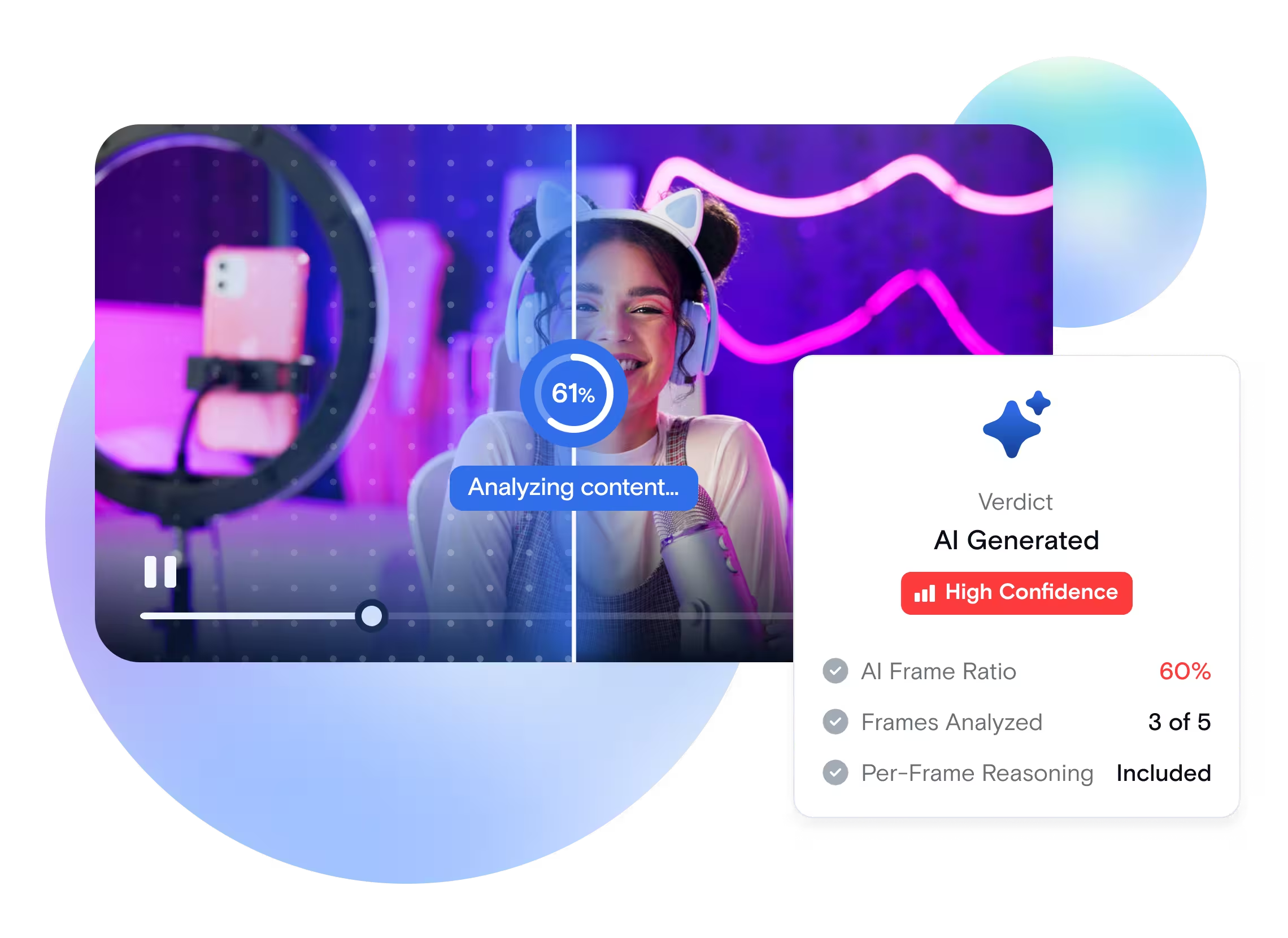
AI Detection analyzes video frames and returns a verdict on whether the content was generated by artificial intelligence. Add it to any transcoding job and receive a JSON output with the verdict, a confidence score, the ratio of AI-generated frames, and the model's reasoning for each flagged frame. Use it to block AI uploads before publication, tag content for transparency, route borderline cases to human reviewers, or audit existing libraries for AI-generated material.
Add one output to your transcoding job and receive a structured verdict in JSON.
Send a video file to the /v1/start_encode2 endpoint and add ai_detectionas an output format in your job request.
The model scans frames across the video and classifies each one as AI-generated or real, recording its reasoning for every frame.
Qencode aggregates the per-frame classifications into a single verdict, a confidence score, and an AI-frame ratio between 0 and 100.
Receive the verdict file at the destination URL you specify, with frame-level reasoning attached for review workflows.
Protect your platform, stay compliant, and review faster.
Block AI-generated uploads before they reach viewers and keep your library trustworthy.
Tag AI-generated content automatically to comply with platform policies and emerging disclosure rules.
Per-frame reasoning shows reviewers exactly why a video was flagged, so they can decide without rewatching the file.
Add ai_detection to any existing transcoding job with no separate API and no extra integration work.
Built for platforms that handle user uploads at scale.
A social platform receives thousands of uploads per hour and needs to label AI-generated content before it reaches feeds.
Auto-tag AI uploads at ingest, route borderline cases to moderators, and publish trusted content faster.
A streaming service licenses content from multiple suppliers and needs to verify what is human-produced.
Audit catalogs at scale and flag suspect titles for editorial review before they hit the storefront.
A newsroom receives footage from contributors and stringers and needs to confirm authenticity before publishing.
Screen incoming clips for AI generation and document the verdict for the editorial record.
A quick walkthrough showing how to add AI Detection to a transcoding job and read the JSON output.
Everything you need to add AI Detection to your pipeline.
| API Method | POST /v1/start_encode2 after creating a task with /v1/create_task. Add an ai_detection output to the transcoding job. |
| Key Parameters | source, encoder_version: "2", output: "ai_detection". If saving to storage, destination.url should include the output file name and extension. |
| Supported Input Formats | Any video format — MP4, MOV, MKV, AVI, HLS, and 200+ others |
| Detection Output | Frame-level AI-generated vs real classification, aggregated into a final verdict and AI-frame ratio. |
| Output Format | JSON file with total_frames, ai_frames, video_ai_ratio, verdict, token usage, errors, and per-frame is_ai plus reasoning. |
Produces AI Detection output JSON with a verdict, confidence score, and per-frame reasoning.
{
  "query": {
    "source": "https://your-storage.com/source.mov",
    "encoder_version": "2",
    "format": [
      {
        "output": "ai_detection"
      }
    ]
  }
}
Copy this payload and use it with your API key to test AI Detection on your own video.
View AI Detection TutorialUsage-Based Pricing
AI detection is available for all Qencode users. Pricing is based on the number of minutes analyzed for AI-Generated Content.
Combine AI Detection with the rest of your video pipeline.
Embed an invisible, tamper-resistant mark in every output to trace leaks back to the source.
Restrict who can view your videos with signed URLs and token-based access control.
Extract metadata, scene tags, and content summaries from any video with one API call.
We love creating powerful solutions that are aligned with the needs of your business.

Please send us a message if you have a question or Schedule a call for a demo to discuss your integration.
Contact us with any questions. We'd love to help.
Los Angeles, CA - (HQ)
San Francisco, CA
New York, NY